When calls and customer records live in separate tools, context gets lost between the conversation and the follow-up. Connecting RingCentral to Zoho CRM puts both in one place.
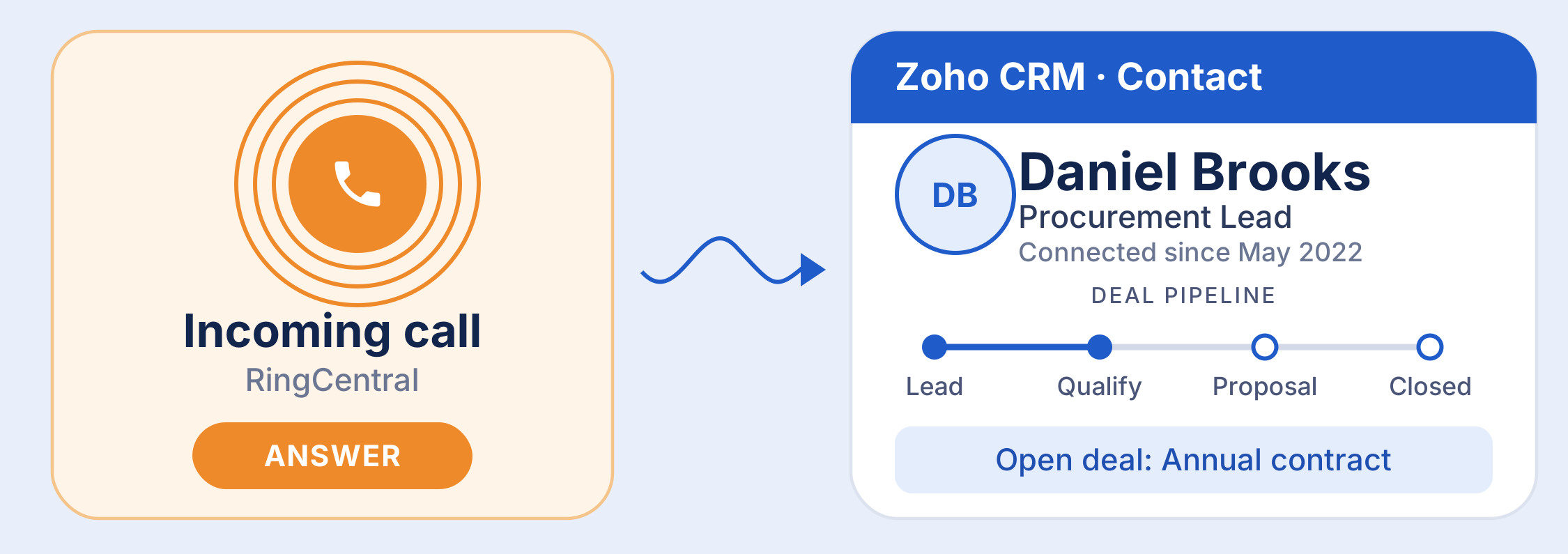
Why connect your phone system to your CRM?
Sales and support teams spend much of their day on calls, yet the details of those calls often end up in memory, sticky notes, or half-finished spreadsheets. A customer calls back and nobody knows what was promised last time.
Integrating RingCentral with Zoho CRM closes that gap. Calls are tied to the right contact, lead, or deal, so every conversation becomes part of the customer's history instead of a one-off event.
What you get from the integration
Click-to-call
Dial any lead or contact straight from a CRM record. No copying numbers between apps.
Caller Recognition
Incoming calls are matched to CRM records so your team sees who is calling and what is open.
Automatic call logging
Call details are recorded against the contact's timeline, saving manual data entry.
Text and call history
See earlier calls and messages next to the deal, so follow-ups start with context.
Exact features depend on your RingCentral plan and the integration version you install, so confirm them in each vendor's documentation.
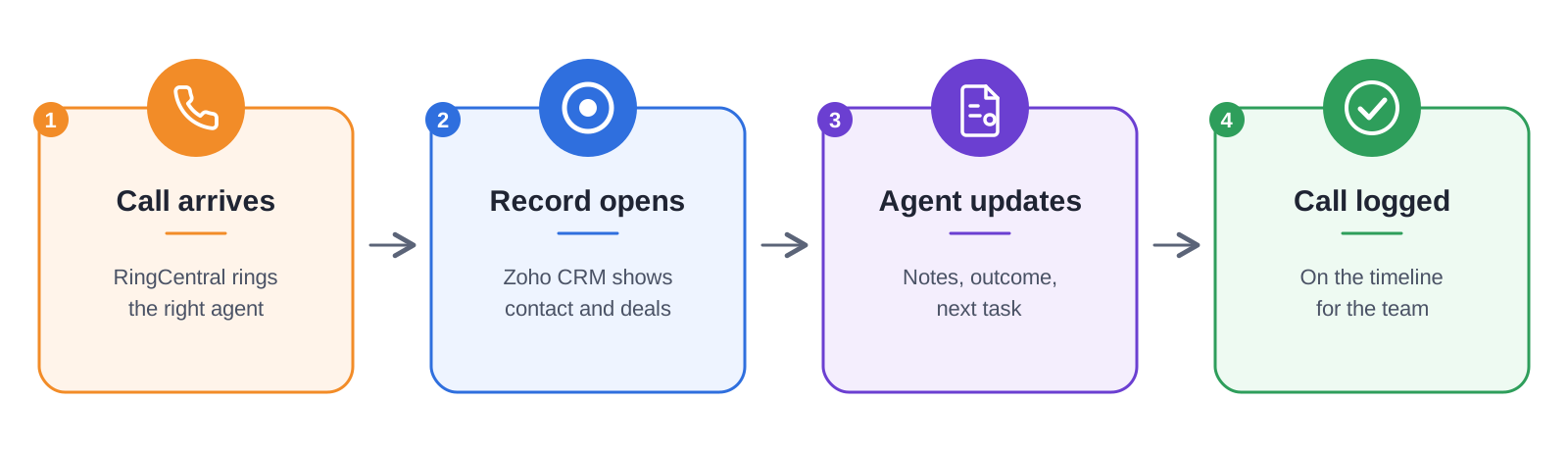
How a call flows through both tools
Setting it up
The exact screens change over time, so follow the current guides from Zoho and RingCentral. In general, the process looks like this:
1. Check prerequisites. You need admin access to both Zoho CRM and your RingCentral account, plus a RingCentral plan that supports CRM integration.
2. Install the connector. Look for the RingCentral integration in the Zoho Marketplace or the RingCentral App Gallery, then authorize it with both accounts.
3. Map users and numbers. Make sure each agent's RingCentral extension is linked to their Zoho CRM user.
4. Choose logging rules. Decide which calls and messages get logged, and to which modules (Leads, Contacts, Deals).
5. Test with a pilot group. Place and receive a few calls, confirm they log correctly, then roll out to the wider team.
Best practices for adoption
• Standardise phone numbers with country codes so caller recognition matches reliably.
• Agree on a short call outcome list (connected, voicemail, callback requested) so reports stay consistent.
• Build a Zoho CRM report or dashboard on call activity, so managers can coach from real data instead of guesswork.
Frequently Asked Questions
Is the integration free?
Pricing depends on your Zoho CRM edition and your RingCentral plan. Check both vendors' pricing pages before you start.
Which RingCentral plan do I need?
CRM integration is only available on certain plans. Confirm this in RingCentral's documentation or with their sales team.
Is RingCentral available in my country?
Availability and features vary by region. If it is not offered where you operate, Zoho's own telephony options or local providers that integrate with Zoho CRM may be a better fit.
Will every call be logged automatically?
That depends on the logging rules you set in step 4 of the setup